Manage external organizations and members
For: Administrators with EXTERNAL_ORG_MANAGE. Checked: Vega v1.126.2, 8 October 2026.
Use Admin Console → External Access to allow an outside organization into selected library sections. An external member's account is governed by its organization status, expiry, selected sections, and the two optional capabilities below.
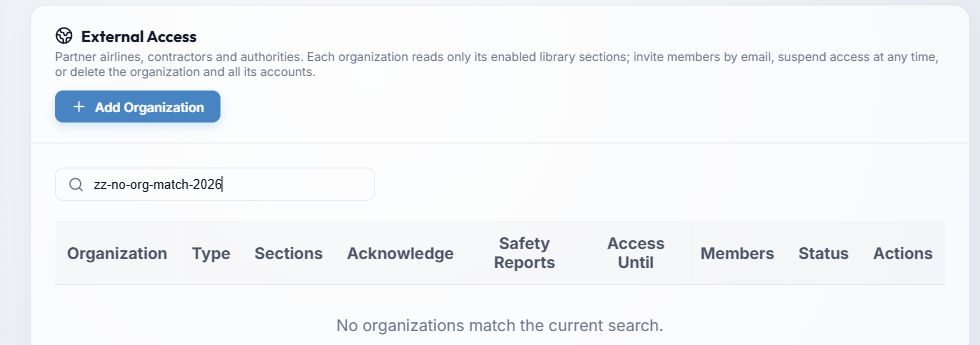
- Add Organization opens the form. Search by organization name or type narrows the list; page controls handle longer lists.
- The table displays Organization, Type, Sections, Acknowledge, Safety Reports, Access Until, Members, and Status. An expired or suspended organization prevents its members signing in.
- Select a member count to manage member accounts. The row actions Edit organization, Suspend access or Reactivate access, and Delete organization & all its accounts have different consequences.
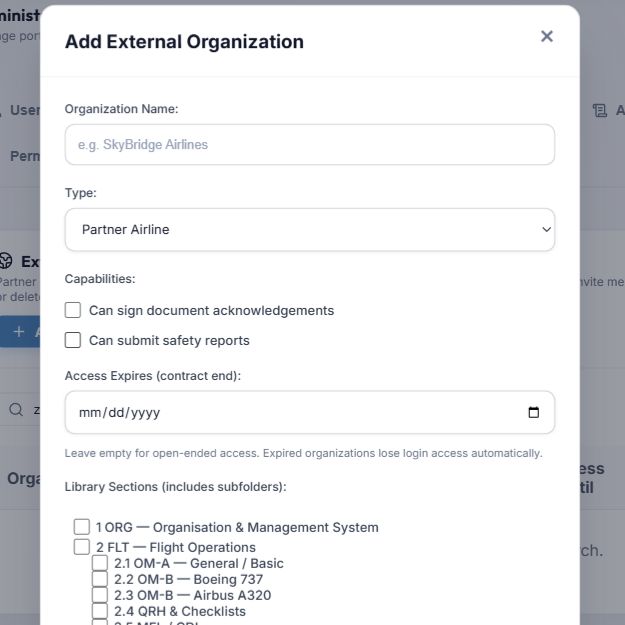
- Enter the required Organization Name. Choose a Type: Partner Airline (initial choice), Ground/Maintenance Contractor, or Aviation Authority (Regulator). Type describes the relationship; it does not itself grant access.
- Can sign document acknowledgements and Can submit safety reports start off. Enable only the actions the organization needs. A member still needs the document to be within its allowed scope.
- Access Expires is optional. Leave it empty for no scheduled end date, or set a date so access ends automatically.
- In Library Sections, select the folders the organization may enter. Review child sections before saving. Save Organization applies the scope; Cancel discards the form.
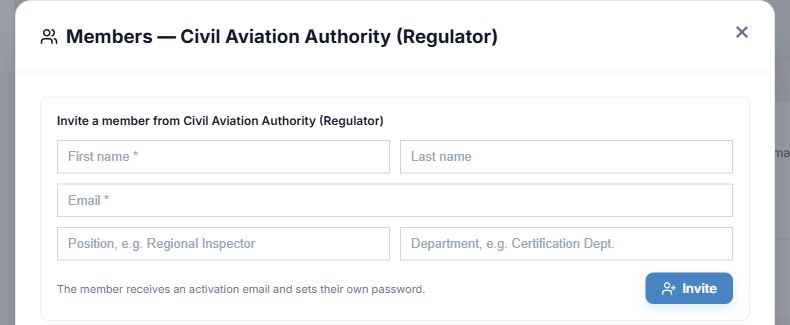
- Select the organization's Members count to open this panel. First name and Email are required for an invitation; last name, position, and department are optional.
- Invite creates the external member and sends an activation message. Review the organization's status, expiry, capability switches, and section scope first.
For an existing member, use Edit, Resend activation email, or Remove. Confirm removal only after checking the intended account.
Suspend access confirms a reversible lockout for all members immediately; Reactivate access restores the organization if it is otherwise eligible. Delete organization & all its accounts is permanent and removes member accounts. Use suspension for a temporary pause. An expired access date requires an updated date, not just reactivation.
For tracking external document obligations, see external organizations in Compliance.